






Understand how your employees feel about their work, collect honest feedback, uncover what drives engagement and identify where improvements are needed.
Trusted by teams across Africa

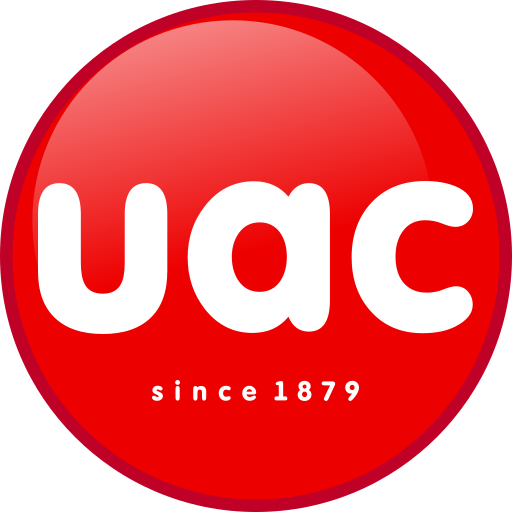








Launch surveys
Choose from ready-made templates or create your own survey to measure engagement, assess workplace culture or gather feedback on specific issues.
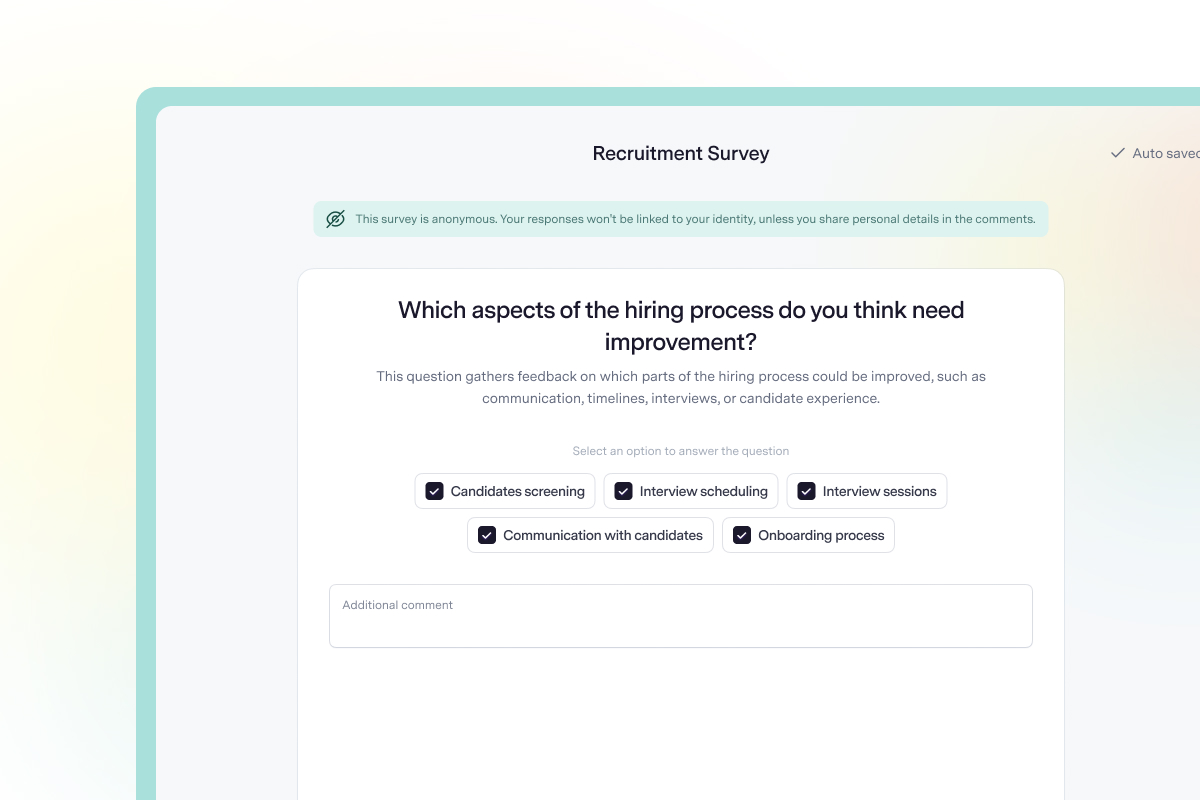
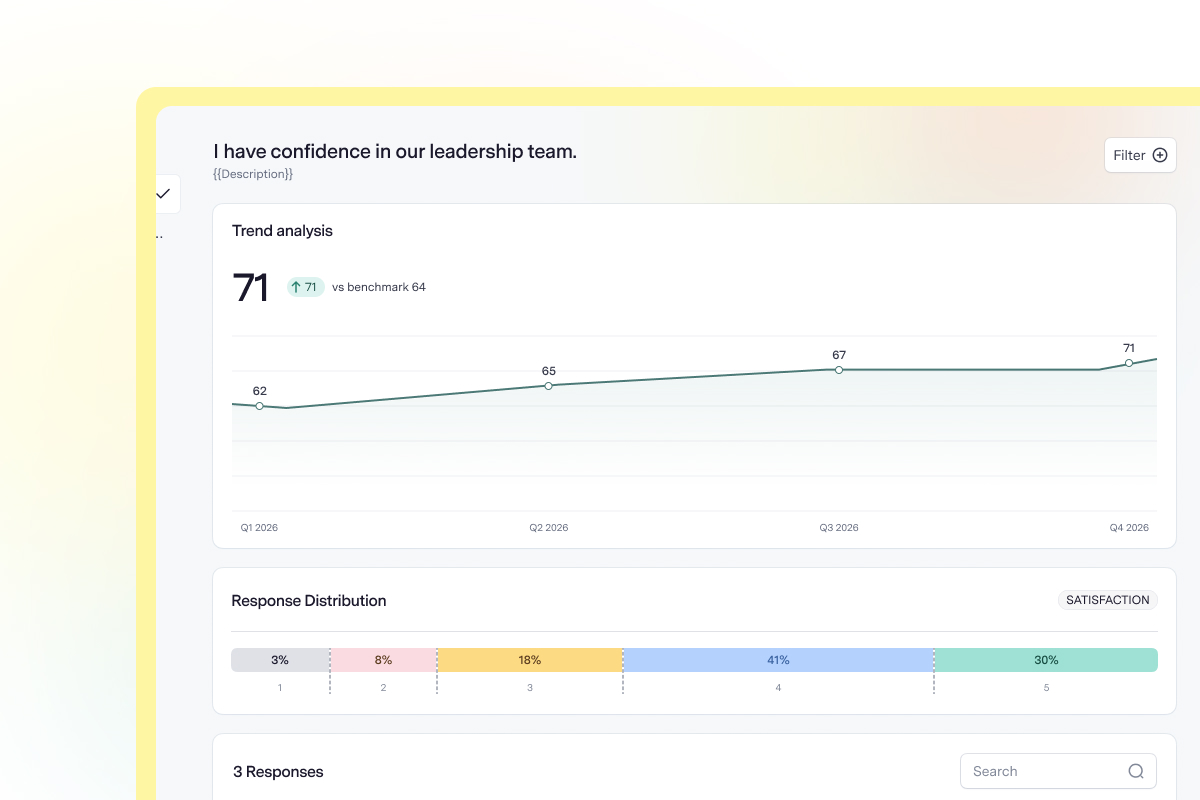
Track results
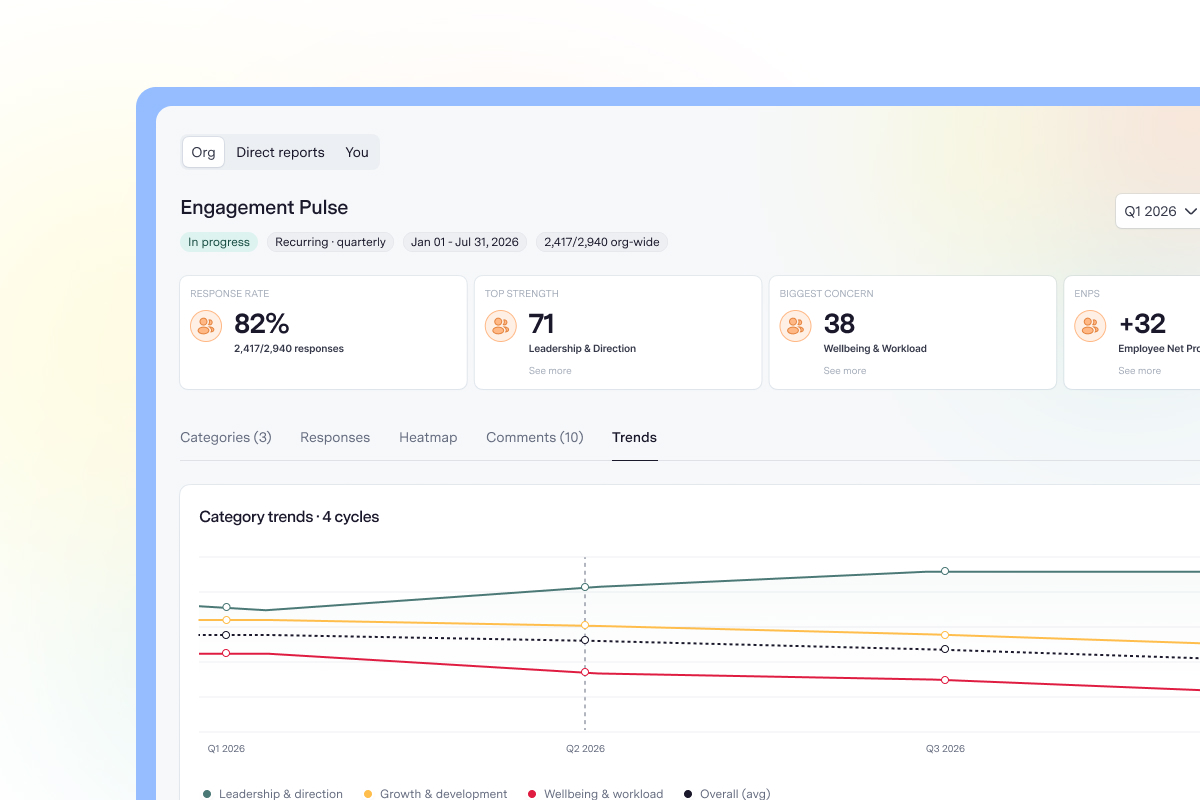
Bring your survey results into one clear view, to identify strengths, spot areas of concern and better understand your team.
Turn insights into action
Give managers a clearer understanding of their teams, share findings with employees and use the insights to guide workplace improvements.
Features
Get started with pre-made templates for employee engagement, satisfaction, culture, manager feedback, and more.
Ask the questions that matter using rating scales, multiple-choice questions and open-ended responses.
Choose who receives each survey using employee, department and other audience filters.
Launch surveys immediately, schedule them for a later date or set up recurring surveys to collect feedback over time.
View overall survey scores, explore results by category and identify the areas where employees report the strongest and weakest experiences.
Use visual heatmaps to compare results across departments and understand how employee experiences differ across your organisation.
Compare results across survey cycles to see how employee sentiment changes over time.
Review written responses and recurring themes alongside your survey results to better understand what employees are experiencing.
Resources
Are survey responses anonymous?


Yes. Talstack Surveys is designed to collect responses anonymously by default. Responses are combined before results are displayed, with additional protections intended to prevent individuals from being identified in small teams or groups. You can also choose to run a non-anonymous survey. In that case, Talstack displays a warning during setup and informs employees that their responses will be attributed to them.
What's the difference between an engagement survey and a pulse survey?
An engagement survey provides a broader understanding of how employees feel about their work, managers, development opportunities and the organisation as a whole. It is typically conducted once or twice a year. A pulse survey is shorter and conducted more frequently. It helps organisations monitor employee sentiment, assess specific issues and track changes between larger surveys. Talstack supports both approaches.
What types of employee surveys can I create?
Talstack supports engagement, satisfaction, culture, manager feedback, growth and development, learning and development, onboarding and offboarding surveys. You can use a ready-made template or create a custom survey with questions relevant to your organisation.
How often should we survey employees?
It depends on what you want to understand. Some organisations run comprehensive engagement surveys once or twice a year, with shorter pulse surveys in between. Others collect feedback more frequently to monitor specific workplace issues. Talstack supports one-off and recurring surveys, making it easier to gather feedback at intervals that suit your organisation.
Can managers view their team's survey results?
Yes. Managers can access survey results for their direct reports, giving them relevant insights into their team's experiences without exposing feedback from other departments or reporting lines. Anonymous surveys are also designed to restrict detailed results where there are too few responses to protect employee identities.
What is eNPS, and how is it calculated?
Employee Net Promoter Score (eNPS) measures how likely employees are to recommend their organisation as a place to work. Employees respond on a scale of 0 to 10. Those who score 9 or 10 are classified as promoters, while those who score between 0 and 6 are detractors. The percentage of detractors is subtracted from the percentage of promoters to produce a score between -100 and +100. Talstack reports eNPS separately from other engagement survey scores, helping you understand employee advocacy alongside broader engagement results.