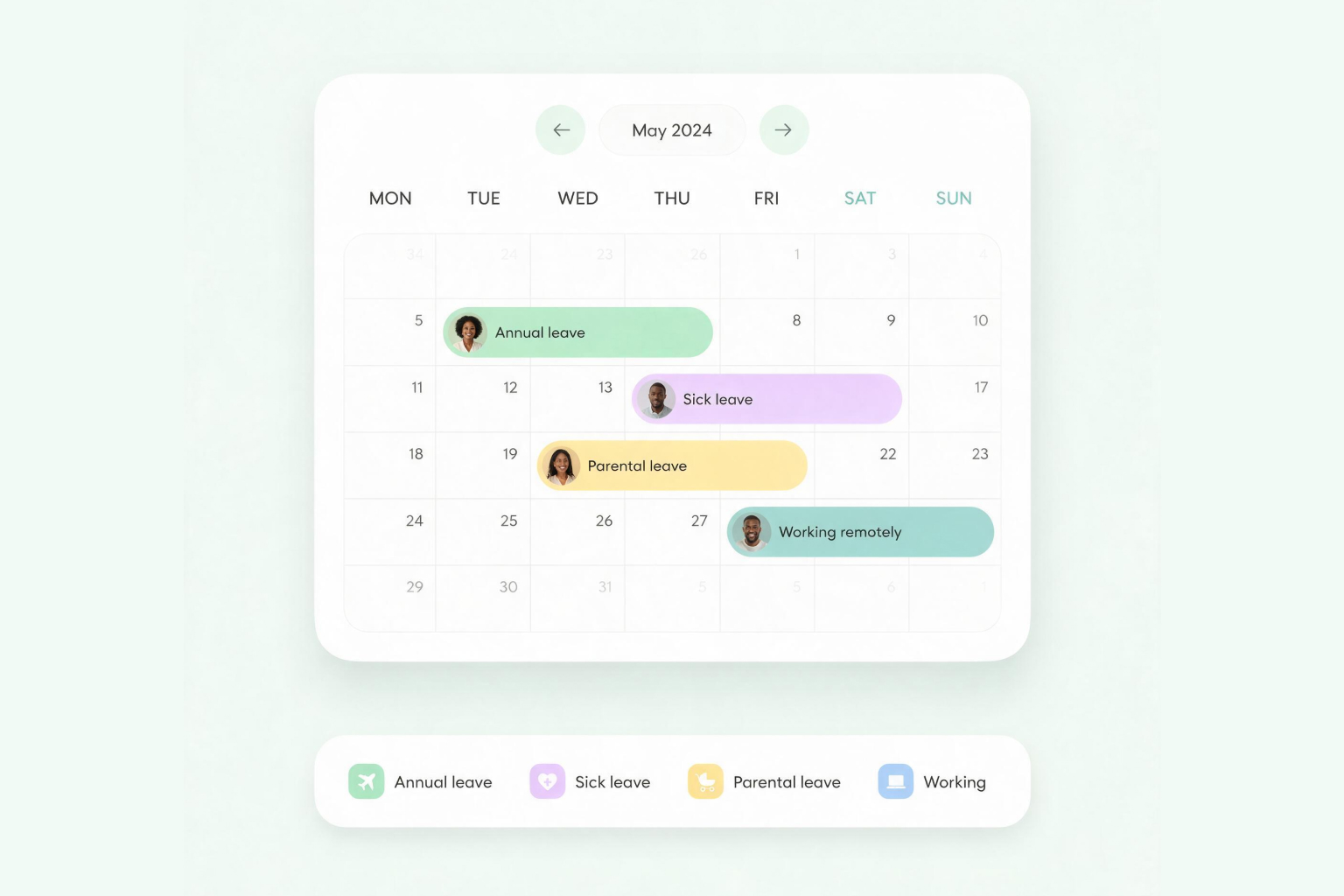



Manage leave requests, balances, policies, and team availability in one place to keep records accurate, apply policies consistently, and support compliance without spreadsheets or manual follow-ups.
Trusted by teams across Africa






Set leave policies
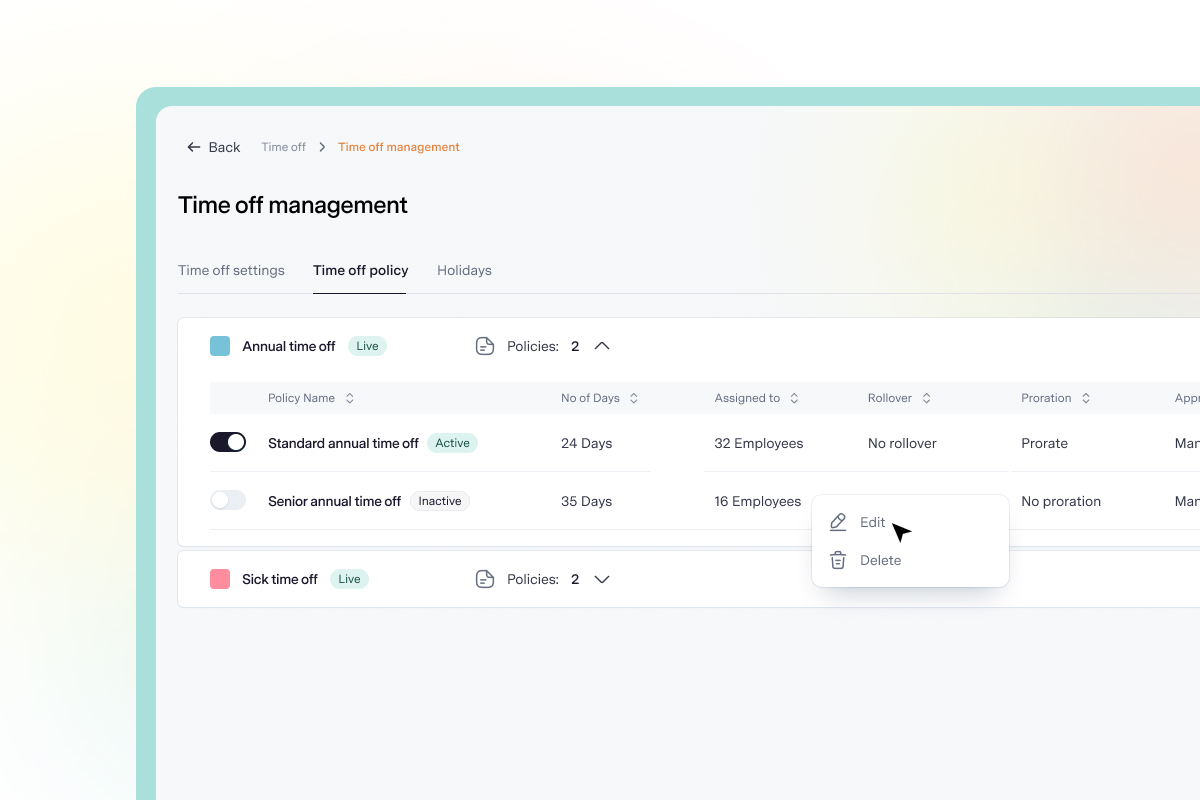
Define leave policies, types, allowances, eligibility, accrual, rollover, notice periods, and approval workflows based on how your organisation operates.
Manage REQUESTS
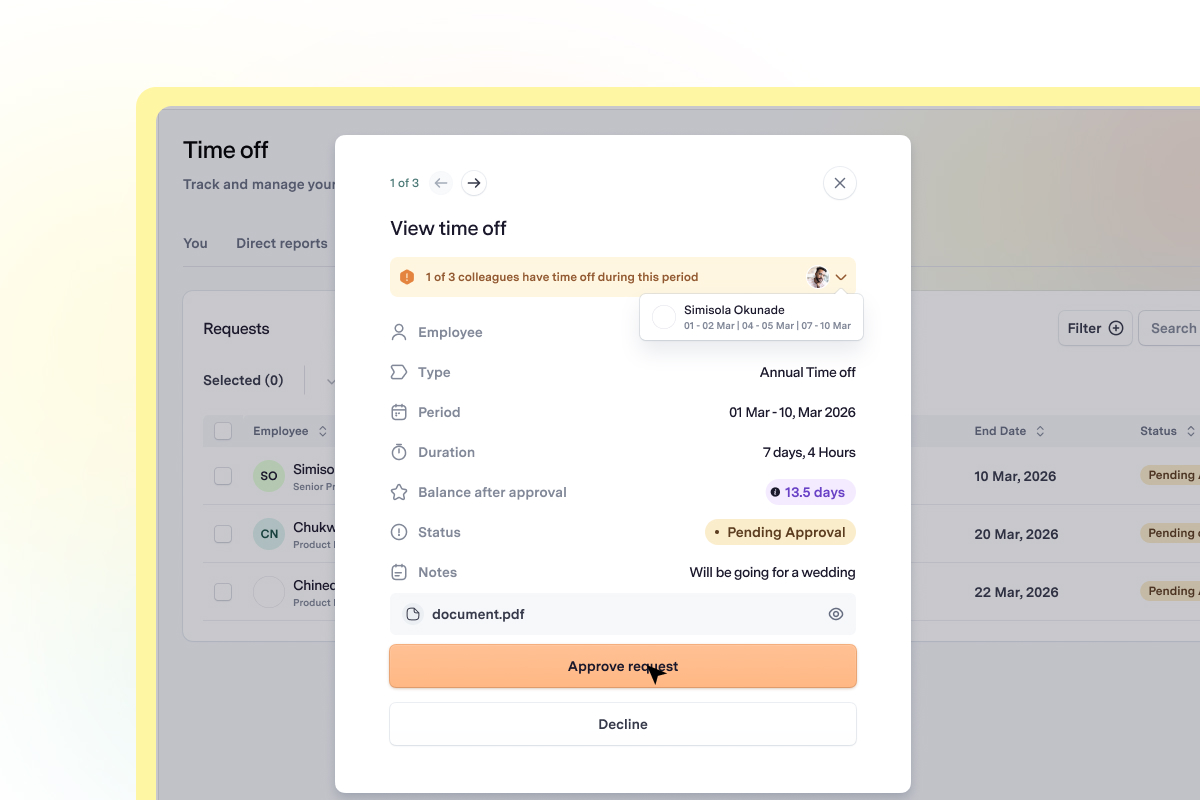
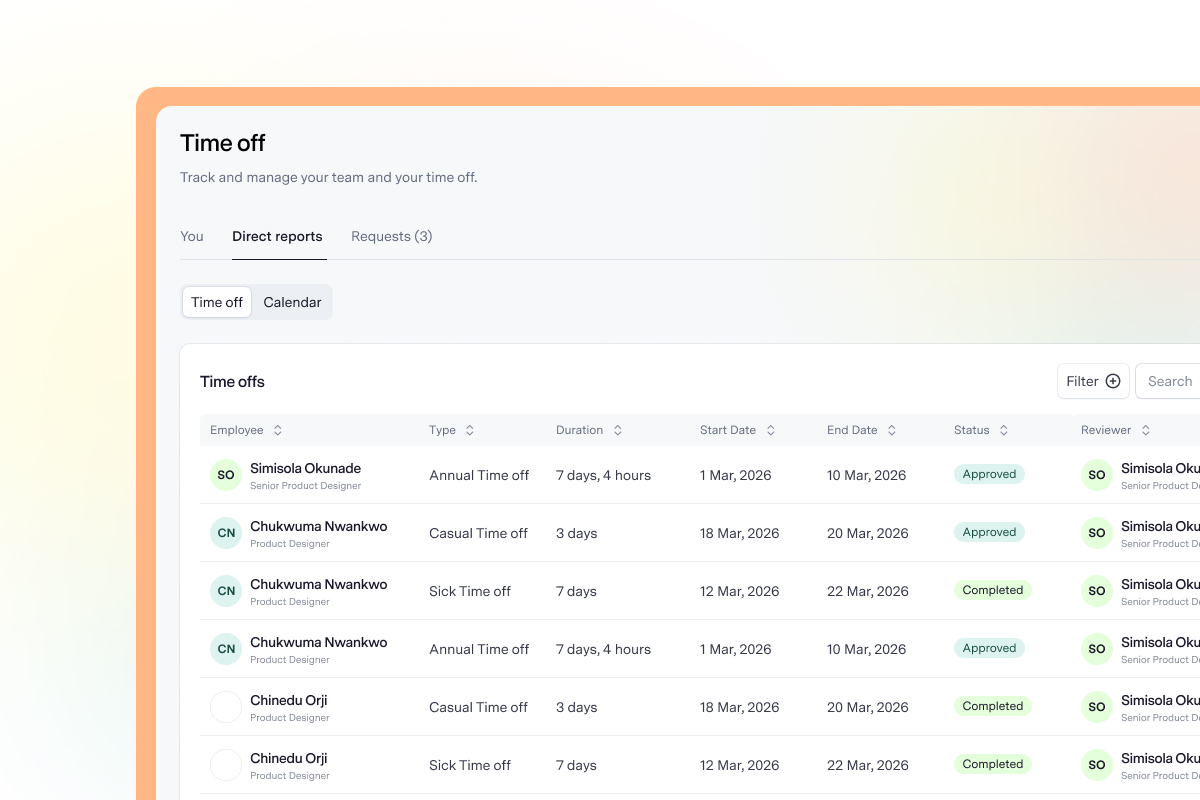
Employees submit time-off requests in one place, and managers can approve or decline them in a few clicks. Employees are then notified and their leave balances update automatically.
Stay informed
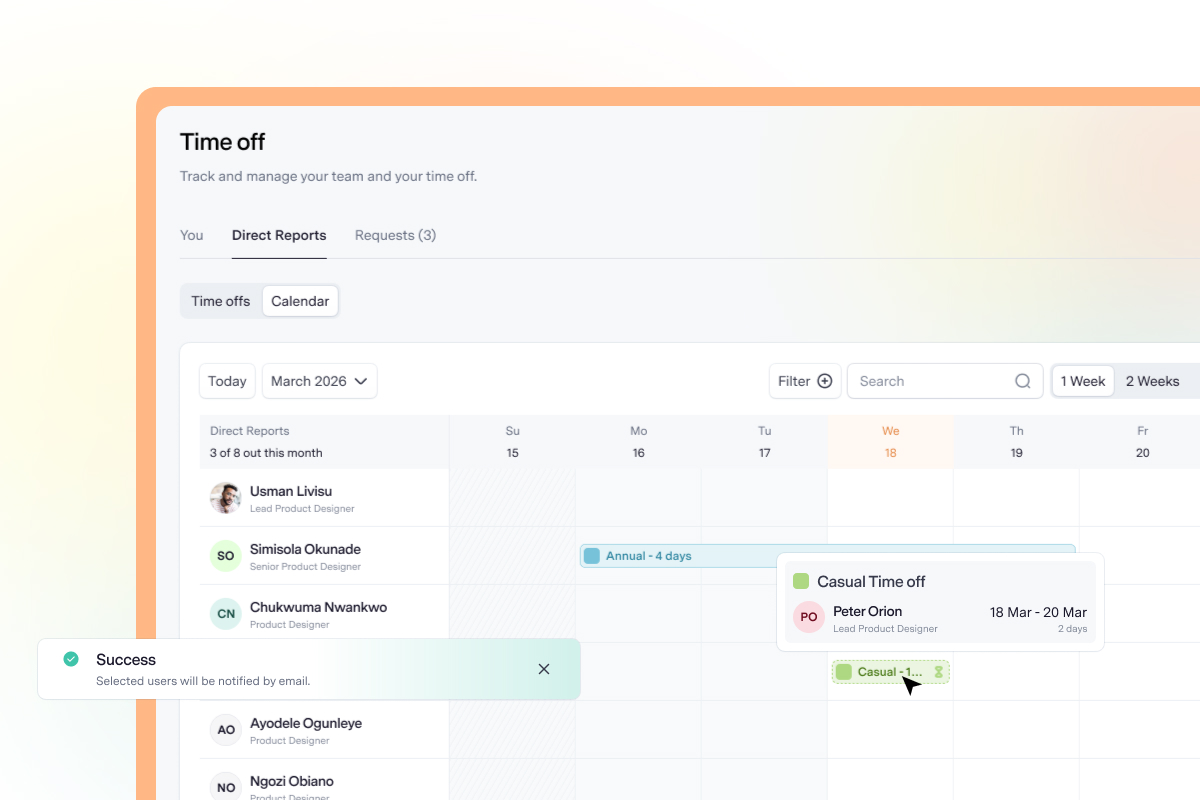
Get a clear view of who is away, where absences overlap, and how coverage may be affected, so managers can plan ahead and make better approval decisions.
regulation & compliance
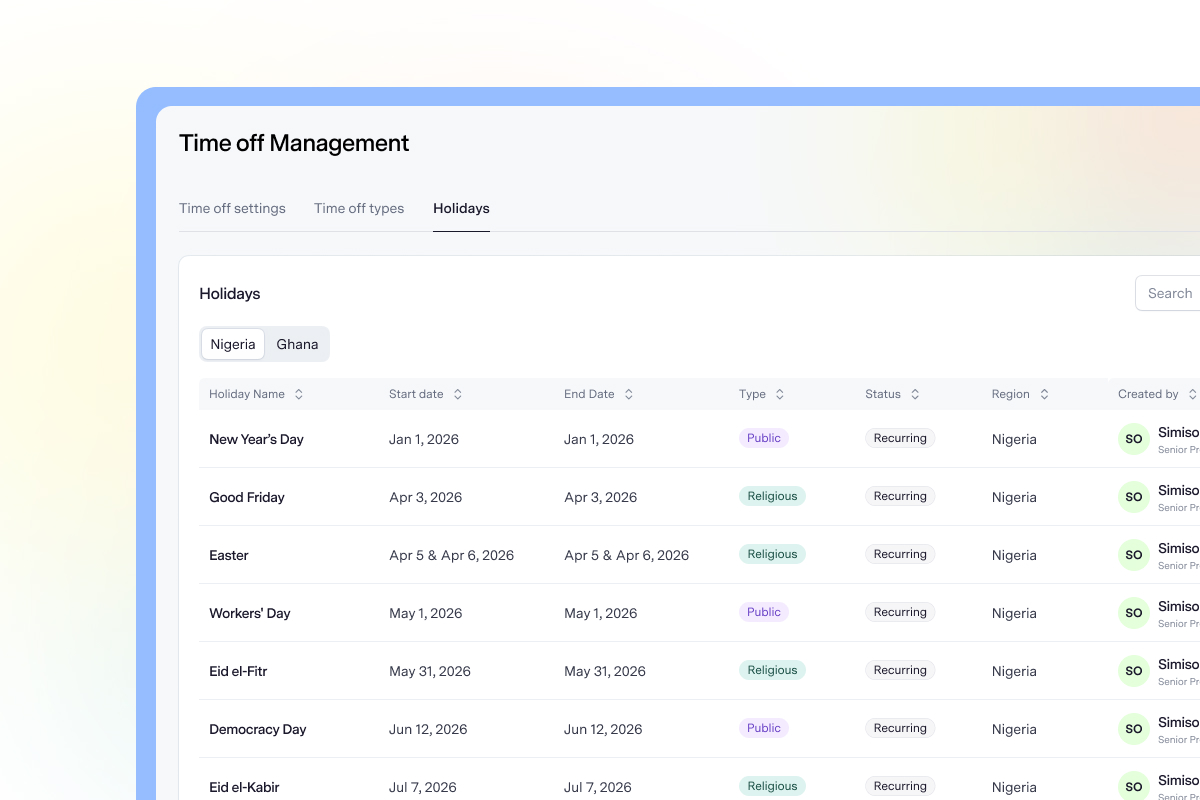
Maintain a reliable record of leave activity, apply company rules consistently, and support compliance with relevant labour requirements.
Learn more
Can we create different leave policies for different groups of employees?


Yes. You can create multiple policies under the same leave type and define eligibility by department, level, country, or specific employees. For example, you could create separate annual leave policies for standard and senior employees.
Are weekends and public holidays excluded automatically?
Yes. Talstack calculates requests using your organisation's working days and automatically excludes public holidays. You can add holidays manually or import a regional holiday calendar.
Can managers check team availability before approving a request?
Yes. Each request shows whether another team member is away during the same period. Managers can also use the team calendar to review upcoming absences and identify potential coverage gaps.
Can employees submit half-day requests?
Yes. Employees can select either a full day or half day for each date in a request, and the correct amount is deducted from their balance automatically.
Can a manager submit time off for an employee?
Yes. Managers can submit requests on behalf of direct reports, such as when an employee is unexpectedly sick or unable to access the platform.
What happens when an approved request is cancelled?
The cancellation is sent to the manager for confirmation. Once it is approved, the affected days are immediately returned to the employee's balance.

.webp)